
Client Portal
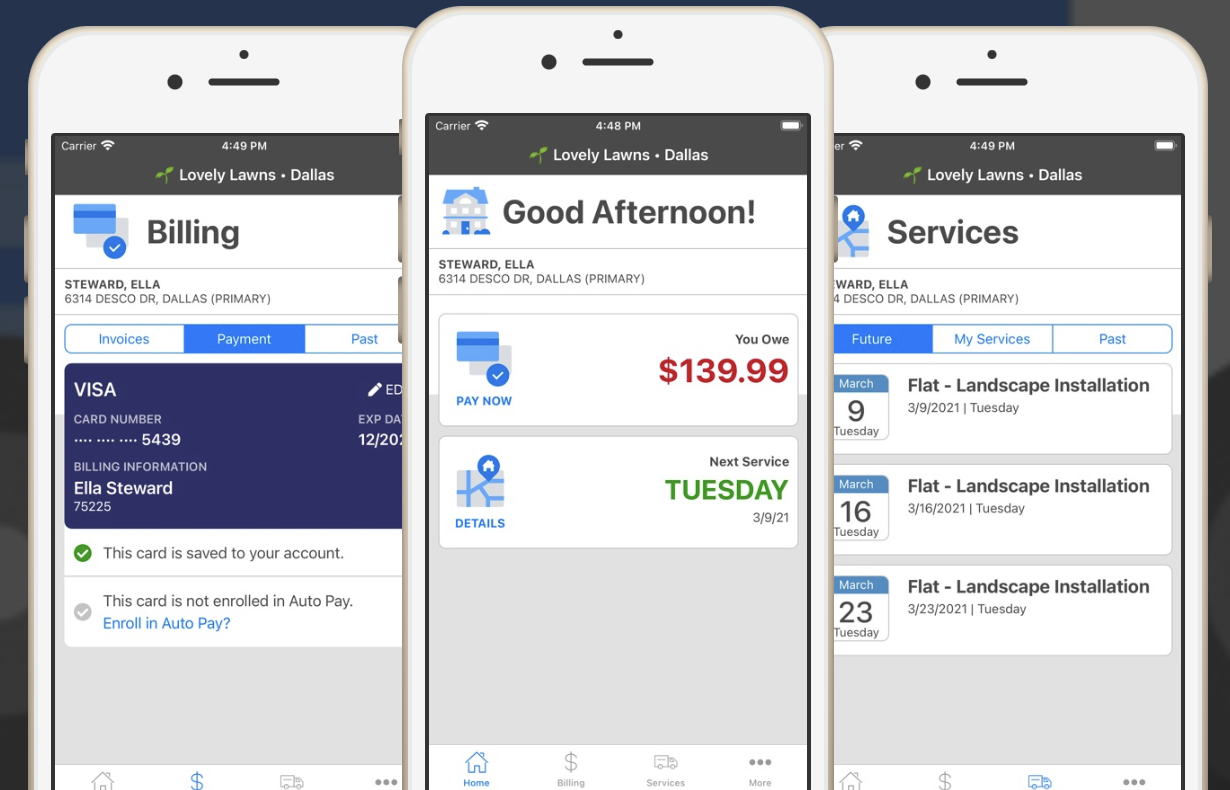
Twins Lawn Service offers a client portal to provide you with a better customer experience at any time of the day. It is a convenient way to pay your bill, ask questions, request service, report concerns and view service history. You can also see your account balance as well as invoice and payment history.
The Client Portal can be accessed from a computer, tablet and even a smartphone. There is also a smartphone app available!
- View and print invoices
- Pay invoices and or account balance via credit card or ACH
- Keep your credit card or ACH information stored on file
- Sign-up for and manage Auto-Pay
- View payment history
- Request work or an additional service
- Ask questions or report a problem (which opens a ticket in our system)
- Update account and contact information
- View service history and upcoming services.
Steps to accessing the portal for the first time:
Step 1. Visit our Client Portal using your unique sign-up link.
Step 2. You will be directed to an account creation screen where you will set up a password
Step 3. Click the green Next button
Step 4. Review and accept the Terms of Use
Step 5. Click the green next button
Step 6. You will then be logged in to the Client Portal where you can view your account
Step 7. Next time, sign in using the email address on file as your username and the unique password you made in step 2 above.
If you do not have or you have lost your client portal sign-up link, please let us know and we would be more than happy to provide you a new link.
Download the SA Manage Service app today from the Apple App Store or Google Play Store.
Have Questions and Can't Find the Answer on our Website?
Just let us know and we will be sure to get back with an answer - and in a timely fashion!